



In the home or office, weak WiFi signals, slow internet speeds, and confusing dead zones are prevalent issues. With every Internet activity ranging from streaming 4K videos, sitting for video meetings, online gaming to operating smart home devices, good wireless coverage is critical. You will find that the solution you are looking for will often come across the terms ” wifi booster vs wifi extender”. While they are often used in the same context and interchangeable, they are not necessarily synonymous. It’s important to know the difference between a wifi booster vs wifi extender so you know which one to install in your network and save money from purchasing an unnecessary device. New WiFi networking solutions further involve mesh wi-fi and wired access points so knowing which one suits you best is even more crucial.
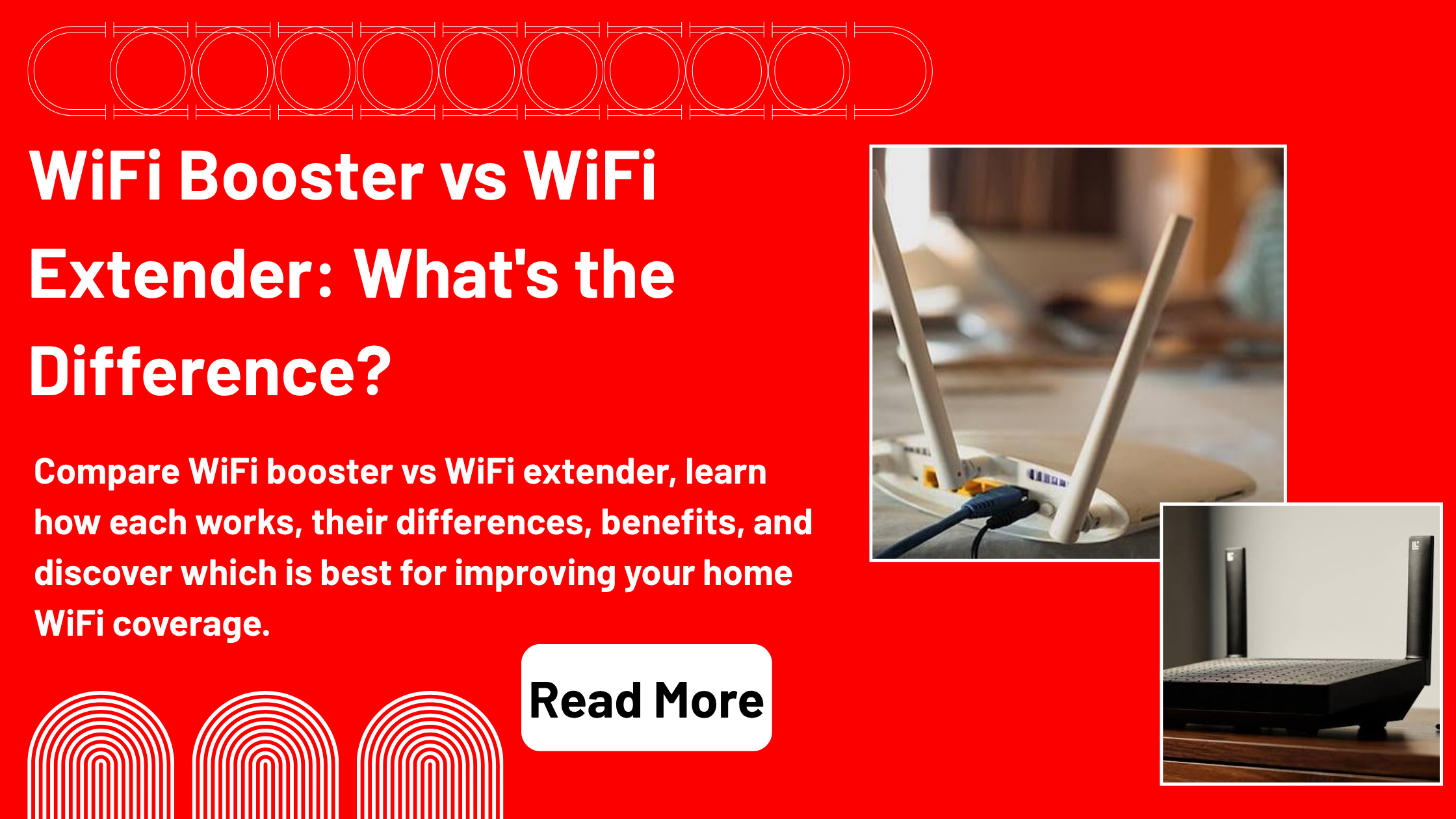
This complete WiFi booster vs WiFi extender guide covers the meaning of the phrases, how they work, their pros and cons, when to use WiFi booster or extender, installation troubleshooting, misconceptions and ultimately the best way to use WiFi booster or extender in your home or office.
What Is WiFi Booster?
There are a number of ways to describe a WiFi booster, but they simply are any technology or device that enhances your WiFi system’s range or strength. When it comes to consumer marketing, ‘WiFi booster’ can actually apply to WiFi extenders, repeaters, mesh or even wireless access points. WiFi boosters aren’t just a particular category of product but rather simply a term which describes any devices conceived to overcome software designed for weak WiFi signals and enhance connectivity.
A WiFi booster can be of assistance:
- Increase wireless coverage
- Reduce dead zones
- Improve signal strength
Make a specific room more connected with the rest of the house.Improve connectivity of separate rooms.
Enable greater connections with mobile and remote devices.
What Is Wifi Extender?
WiFi extenders (WiFi range extenders) are a type of network device used to pick up the WiFi signal from the router, and repeat it to provide wireless connectivity to areas outside the original network’s range. It provides extra coverage without having to replace your router, and is a popular and budget friendly solution for homes with small to medium size.
The typical uses of WiFi extenders are to:
Extend coverage upstairs
Enhance the wireless connectivity of garages
Avoid creating “dead spots” in and around the bedroom.
Expand outdoor connectivity
Develop effective home office duties.Enhance home office effectiveness.
The difference between a WiFi Booster and a WiFi Extender is well captured here.Here you’ll understand the difference between WiFi Booster and WiFi Extender.
The most glaring difference between WiFi booster vs WiFi extender is that the former is merely a marketing term, and the latter, only one type of boosters.
The terms WiFi booster can be used for:
- WiFi extenders
- WiFi repeaters
- Mesh WiFi systems
- Wireless access points
There are WiFi extenders, which help to extend the internet signal of your router. As such, many manufacturers employ the same terms for both products, although “booster” is a wider term.
The Working Of Wifi Boosters & Understanding How Wifi Boosters Function
A WiFi booster enhances the wireless signal by boosting it in places where it might not be strong.
It can: (This depends on the technology)
- Amplify signal coverage
- Repeat wireless transmissions
- Installing more wifi hotspots.
- Use mesh networking
- Extend network reach
A subset of booster solutions is the use of wired Ethernet backhaul; the other subset are all wireless.
The working of WiFi Extender.
The procedure of a Wi-Fi extender is very simple.
Step 1
It can be connected to your central router via WiFi.
Step 2
Relies on the existing WiFi signal.
Step 3
It re-sends that signal to an area with weak signals.
Step 4
Those are the places where the signal strength is stronger and the devices can connect to the stronger signal.
However, the extender needs to receive and then retransmit data, which means that wireless extenders can actually decrease the available bandwidth in the system and add some latency to the system, particularly if they operate on the same frequency band to receive and retransmit data.
Benefits Of A WiFi Booster
There are actually lots of benefits that accompany selecting a WiFi booster.
Improved Coverage
Wireless signals are extended in difficult-to-reach areas using booster.
Better Device Connectivity
The number of devices that can remain stable on wireless connection is increased.
Reduced Dead Zones
Weaker and nonexistent WiFi coverage is enhanced.
Flexible Solutions
Boosters in the form of extenders, mesh system and access points are provided to give users the flexibility to use the best technology.
Easier Streaming
Distributing the signal helps to strengthen it, which will improve video streaming, on-line gaming and video conferences.
A Wifi Extender Offers A Variety Of Advantages
An extender for the WiFi is of real use for a good many households.
Affordable
Faster than replacing all your network equipment.
Easy Installation
Most extenders require to be set up simply by plugging them in, or using an app.
Works in conjunction with existing routers
Works with most types of routers irrespective of the brand.
Better Coverage
Perfect to either expand WiFi coverage into another room or two or to use for remote operations.
Improved Productivity
Strengthens previously weak-signal areas in supports for remote work, online learning and entertainment.
Wifi Booster Performance Vs Wifi Extender Performance
The performance will differ when comparing WiFi booster to WiFi extender depending on the layout of your home and what is required for your home network.
Here’s your list of wireless signal extenders that can be useful:
- Apartments
- Small homes
- Single dead zones
- Home offices
- Detached garages
A mesh WiFi system (typically called a WiFi booster): It is typically superior for:
- Large homes
- Multi-story houses
- Multiple dead zones
- Many connected devices
- Quite flexible maneuvering in the home
Unlike older wireless extenders, modern mesh systems deliver better and more stable speeds and lower latency, as they are engineered to function as a single network.
These Are The Common Causes Of Weak Wifi
Know what is causing poor coverage, and don’t purchase more equipment to solve the problem.
Common causes include:
- Thick concrete walls
- Multiple floors
- Large homes
- Router placement
- Electronic interference
- Older WiFi standards
The number of devices interwoven at a very small level.
Neighboring wireless networks
It can be helpful to move your router in order to gain improved coverage.
The Best Time To Purchase A Wifi Extender?
You should install a WiFi extender when:
- This broadband in the house has only weak signals in one room.
- You are looking for something that is inexpensive.
- You’re already getting good overall performance with your router.
- You don’t want to replace existing networking equipment.
- Need improved wi-fi in a home office or bedroom.
When is another wifi booster solution the correct one?
If you don’t want to use a traditional extender, you should consider other WiFi boosters:
Your home exceeds 2,500–3,000 square feet.
There are areas of low cover (several floors).
Constant calls for a connection with the cellar network.Interruptions in communication with the cellar network throughout the day.
You’ve got a dozen or so smart devices that are connected together.
Home-wide fast internet connection is crucial.
A mesh WiFi system is often able to offer more consistent performance than a single extender in these cases.
Installation Tips
To maximize performance:
Put your extender 50% between the weak signal area and the router.
Do not put it behind the furnishings.
Avoid occurrence in warm environments or contact with a microwave oven and wireless telephone.
Keep your router firmware up-to-date.
When possible speed up with the 5 GHz band.
If possible, use Ethernet backhaul.
Show correct placement and how it affects performance.
Common Mistakes
Users unwittingly decrease WiFi speeds.
Avoid:
Attaching the extender too far away from the router.
Employing obsolete WiFi protocols.
Ignoring firmware updates.
Failure to load one of the wireless bands.
Believing you will achieve Internet speeds just by having an extender.
Keep in mind extending will not help increase the speed of your internet connection as offered by your ISP.
WiFi Booster For WiFi Extender For Gaming – Unraveling the Difference
Gamers require:
- Low latency
- Stable connections
- Consistent speeds
For gaming:
The best is a wired Ethernet connection.
A mesh Wi-Fi system is better than a traditional Wi-Fi networks extender.
An extender is effective for playing games, but can add latency due to re-transmission of wireless data.
The WiFi signal extends up to what is known as a WiFi extender.The weak WiFi signal is extended up to a WiFi extender.
When streaming at HD and 4K resolutions, you should:
If there is weak coverage in one room and adequate coverage in another, then extenders can be used in the other room.
For more than one TV and streaming at the same time in a bigger home it’s best to use Mesh systems.
The right obviously placement is vital to successful playback.
Best Practices
When trying to attain the most wireless performance:
Replace wireless network 5 equipment as needed.
Maintain up-to-date networking devices.
Locate the router in a working area.
Minimize interference.
Get dual or tri band routers.
For bigger homes, you may want to look into mesh WiFi instead.
Periodically power on networks.
Common Misconceptions
A wireless extender is able to consistently boost the internet speed.
False.
A booster boosts internet. But, it is not able to deliver internet speed higher than what is offered by the ISP.
By using a WiFi Extender, you can get faster internet.
False.
It can be used to send the signal a longer distance, but may have to sacrifice some bandwidth as the data is re-transmitted wirelessly.
Every home ought to have a mesh system.
False.
Where there is only one or two dead spots then a simple wireless extender can be sufficient for many homes.
FAQs
What is the difference between the WiFi booster and WiFi extender?
A WiFi booster is a general term that referred to the things that increase the WiFi wireless range, but a WiFi extender is a particular piece of equipment that re-transmits your router’s sign to cover a bigger area.
When it comes to WiFi booster or WiFi extender, #2 is the better choice.
This will depend on your requirements. Depending which of your house is small or big, a WiFi extender is great for covering one or two dead zones; and a mesh WiFi system will be better for larger home, a mesh is also considered a type of WiFi booster.
Yes, a WiFi extender has the potential of decreasing internet speed.
Some other traditional wireless extenders are able to diminish bandwidth out there because they will be inbound and forth channels on the similar wireless words.
4. Where to install a WiFi extender?
Place about halfway between your router and WiFi-in-butyl space as long as it gets a strong connection from the router.
5. Does mesh WiFi system work better than a WiFi extender?
The performance, latency, and seamless roaming of mesh WiFi systems are typically superior to those of traditional single-station extenders, particularly in larger households and for comprehensive wireless solutions.
Conclusion
When choosing a solution to boost WiFi coverage, its better to get a better sense on the difference between a wifi booster vs wifi extender. Although they are many times used interchangeably, a WiFi booster will usually incorporate one or more of the following devices: an extender, a repeater, a mesh system and an access point, while an WiFi extender is only a device that extends your current WiFi signal. The correct choice can be influenced by the size of your home, how many “dead zones” you may have and the sought-after performance.
A WiFi extender is a generally inexpensive yet helpful solution for one or two weak problem spots in less big residences. Modern mesh WiFi systems provide extensive and consistent WiFi coverage, and the overall WiFi experience is better for the larger home or environment with a lot of devices connected. You can—and should—strive to have improved, more consistent, wireless coverage throughout your home or office by assessing your current configuration, and adopting best practices in the placement and configuration of your networking gear.